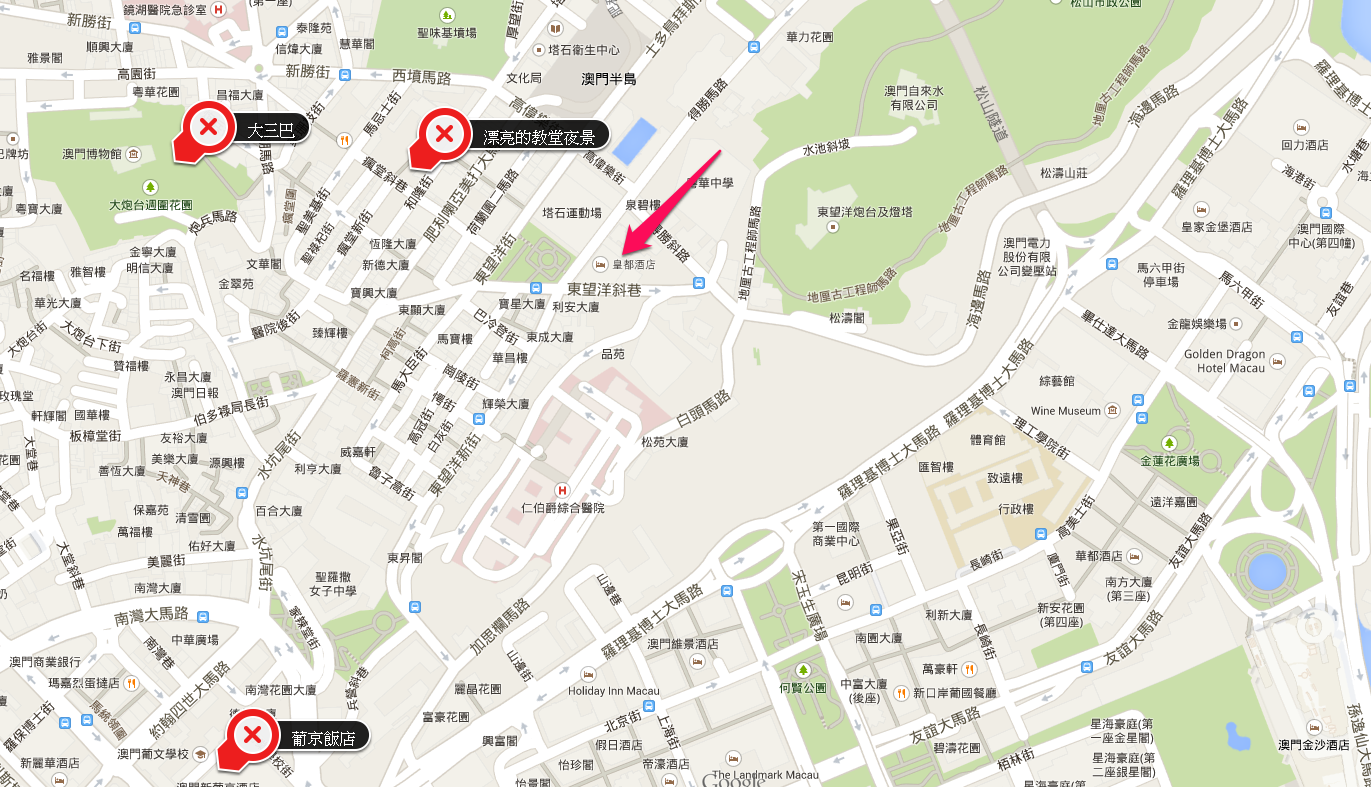
在城煌廟對面,有賣小籠包、水煎包、倆相好。小籠包皮厚有麵香,內餡豬肉飽實,富有肉汁,沾上特製醬油包及辣椒,很好吃。
星期一, 2月 23, 2015
星期二, 2月 17, 2015
Android Custom View
Good Reference:
http://blog.csdn.net/lmj623565791/article/details/24252901
comments:
1. 定義屬性檔,檔名不重要,重要的是內容
2. 屬性檔內的<declare-styleable>標簽會被編譯為R.styleable.XXX,在Custom View 中的Constructor 中要去存取標簽的內容,取得設定值,設定成員變數內容
3. 在OnDraw中,根據之前取得的成員變數內容繪置Custom View
4. OnMeasure 要處理wrap_content的寬度設定,否則layout會有問題。
http://blog.csdn.net/lmj623565791/article/details/24252901
comments:
1. 定義屬性檔,檔名不重要,重要的是內容
2. 屬性檔內的<declare-styleable>標簽會被編譯為R.styleable.XXX,在Custom View 中的Constructor 中要去存取標簽的內容,取得設定值,設定成員變數內容
3. 在OnDraw中,根據之前取得的成員變數內容繪置Custom View
4. OnMeasure 要處理wrap_content的寬度設定,否則layout會有問題。
星期一, 2月 16, 2015
Compile Google VP9 with visual studio 2013
System: windows 8.1 64 bit
Reference:
http://www.webmproject.org/code/build-prerequisites/
http://blog.csdn.net/kl222/article/details/23101115
1. Download Yasm 32bit
http://yasm.tortall.net/Download.html
Note: Must download 0.8.0 version, otherwise, there will cause compile errors
rename yasm-0.8.0-win32.exe to yasm.exe
Set environment path:
2. Download MinGW
http://sourceforge.net/projects/mingw/files/Installer/
3. Install MSYS
4. Execute the command line environment of VS2013
5. type d:\mingw\msys\1.0\msys.bat
5. type cd d:/project/vp9/libvpx-v1.3.0/build
6. type $ ../configure --disable-shared --enable-static --enable-static-msvcrt --disable-docs --disable-examples --target=x86-win32-vs12 --prefix=/usr/local/msvc
7. type make
9. find vpx.sln
10. open and correct it
11. take care of test_libvpx references, and set the linker option of vpx /SAFESEH:NO
12. make
14. Good luck.
星期五, 2月 06, 2015
Open CV
Good Site:
http://opencv-code.com/
矩型影像校正,"Automatic perspective correction for quadrilateral objects",
http://opencv-code.com/tutorials/automatic-perspective-correction-for-quadrilateral-objects/
http://opencv-code.com/
矩型影像校正,"Automatic perspective correction for quadrilateral objects",
http://opencv-code.com/tutorials/automatic-perspective-correction-for-quadrilateral-objects/
星期三, 2月 04, 2015
Windows 8 Apple Photostream沒有同步
因為不明原因,PhotoSteam無法跟 Windows 同步,解決方式如下:
Reference:
http://www.tinkertry.com/fix-the-issue-where-you-upgrade-to-windows-8-1-then-your-photo-stream-stops-updating/
- Kill these processes:
ApplePhotoStreams.exe , ApplePhotoStreamDownloader.exe , APSDaemon.exe , iCloudServices.exe, iCloud.exe- Delete this folder:
%AppData%\Apple Computer\MediaStream- Launch iCloud Control Panel. You will notice that Photos is not sync. Enable it and apply it.
Reference:
http://www.tinkertry.com/fix-the-issue-where-you-upgrade-to-windows-8-1-then-your-photo-stream-stops-updating/
星期二, 2月 03, 2015
Mac App Developer ID and Gatekeeper
Mac App Sign 方式有三種
- Development- 測試
- Distribution 上架
- Developer ID 用在Outside of Mac App Store
GateKeeper
星期日, 1月 25, 2015
星期三, 1月 21, 2015
星期二, 1月 13, 2015
Personas APP設計好文章
Good Reference:
- 如果想要重新設計 Quora Android app 該怎麼做?談 Persona、Framework、Sketch 和 Prototype 的運用(36kr.com)
- http://share.inside.com.tw/posts/4950
- Personas & scenarios
- http://www.slideshare.net/josh32734/personas-scenarios
- 以使用者為中心的設計入門User Centric Design
- http://www.turboequation.com/FileDownload.ashx?OrgiName=20130909App%E9%96%8B%E7%99%BC%281%29PPTv1.pdf&FilePath=CompanyFile%5C20140422180118135.pdf
- 期中報告: 介面設計分析與發想| NTUST UI
- ntustgui.blogspot.com/2011/10/blog-post_26.html
星期日, 1月 11, 2015
Unicode, UTF-8, UTF-16, Python 2.x, 3.x 中文編碼
Unicode, UTF-8, UTF-16, BOM的說明
Reference: http://dnowba.blogspot.tw/2012/07/ansiunicodeutf-8utf-16bom.html
在命令提示視窗(Command Prompt)顯示UTF-8內容
http://blog.darkthread.net/post-2011-08-11-command-prompt-codepage.aspx
摘要:
Python 2.x及 3.x的編碼
Python 2.x’s support for Unicode, Reference: https://docs.python.org/2/howto/unicode.html
Python 3.x’s support for Unicode, Reference: https://docs.python.org/3/howto/unicode.html
python 的編碼, http://openhome.cc/Gossip/Encoding/Python.html
摘要:
摘要:
- Unicode (=UTF-16), 固定2bytes來編碼,解決多國語系呈現問題。
- Unicode轉換格式(Unicode Transformation Format,簡稱為UTF)
- UTF-8可變動式編碼,英文數字用1 byte來編、中文通常用3 bytes編碼。設計目的在於英語系資料可只用1碼,大幅簡少原Unicode 2碼的空間浪費。
- BOM (Unicode Byte Order Mark),在檔頭加上二個byte的空間,為了解決CPU的BE和LE的問題。(早期Mac 系統主要是 Big Endian(BE), PC 系統則是使用 Little Endian(LE)。)
- Difference between Big Endian and little Endian Byte order, http://stackoverflow.com/questions/701624/difference-between-big-endian-and-little-endian-byte-order
- UTF-8在Windows軟體(如記事本)存檔時,可能會加入EF BB BF這個BOM,因為UTF-8編碼可以透過演算法偵測,理論上是沒必要的。所以Linux及Mac上的文字編輯器都不會加,造成一些程式碼在Linux及Mac平台上處理會有問題。
Python 2.x及 3.x的編碼
Python 2.x’s support for Unicode, Reference: https://docs.python.org/2/howto/unicode.html
Python 3.x’s support for Unicode, Reference: https://docs.python.org/3/howto/unicode.html
python 的編碼, http://openhome.cc/Gossip/Encoding/Python.html
摘要:
- 在Python 2.x,程式中所有字串,其實都是原始位元組集合。也就是傳統的ascii編碼。
- 如果原始碼中寫了非ASCII字元串,必須在第一行放置編碼聲明(encoding declaration)。例如:# coding=Big5。在上面情況下,len('中文')函式結果會是以byte來計算=4
- 一般建議,第一行編碼聲明為# coding=utf-8
- Unicode不等於utf-8編碼,所以讀取及儲存Utf-8資料,需要進行轉碼,轉成Unicode再處理。
- 為了支援Unicode,Python 2.x提供了u前置字來產生unicode物件。len(u'中文')函式結果會是以真正的"字數"來計算=2
- 在2.x中,可以用 s = unicode('abcdef')語法建立unicode,unicode() 建構式的原形 unicode(string[, encoding, errors]),其中encoding預設的編碼是ASCII,建構式會把string 參數內容,根據由encoding參數所指定的編碼,如ASCII轉成unicode。如果沒有改變編碼,直接用預設方式建立中文字,如unicode('中文')會產生錯誤,如UnicodeDecodeError: 'ascii' codec can't decode byte 0xff in position 6。必須指定原始編碼,unicode()函式才能安全的把原生編碼轉過去Unicode, e.g, unicode('中文', 'big-5')。
- unicode的encode()方法則可指定實現編碼,將之轉為代表位元組實現的str實例。即把字串從unicode--> big5。
- 假如text文字為unicode,呼叫b_str = text.encode('big5')則會回傳big5的文字回去b_str。
- 原生字串str的decode()會將字串轉換為unicode物件。即把字串從big--> unicode。
- 假如b_str文字為原生字串,b_str.decode('big5')則會回傳Unicode的文字回去。
- 在Python 3.x中,預設.py檔案必須是UTF-8編碼。如果.py檔案想要是UTF-8以外的編碼,同樣必須在第一行放置編碼聲明。
- Python 3.x中的字串都是Unicode。
星期四, 1月 08, 2015
IP Multicast UDP Broadcast
心得
- IP Multicast 在LAN中,會變成ethernet Multicast封包, (ethernet frame: msb bit為1, 把IP後面23bit copy)。
- 作業系統核心通常收到Multicast封包會drop掉,用socket api加入group,則可以告訴系統核心要接收指定的Multicast封包,則系統就不會drop Multicast封包。
- 在LAN中,Multicast封包會用廣播的方式傳送,大家在同一個LAN都收的到。
- 要跨router,則router必須支援Multicast封包,把功能打開,才可以跨網段。
reference: (有空再加)
星期二, 12月 09, 2014
星期日, 11月 02, 2014
麻新rc-1204汽車電源充電器開箱
麻新rc-1204汽車電源充電器,操作很容易,只要按按鈕三下切到燈亮就是汽車模式,接上汽車電瓶正負極後,就會自動充電。充完電後,指示燈會綠燈表示充電完成。此時把電源線拔掉,然後再拔除電瓶上的正負極就可以了.

星期日, 10月 12, 2014
星期二, 10月 07, 2014
星期一, 10月 06, 2014
星期四, 9月 25, 2014
Evernote install error
Solution:
http://www.nextofwindows.com/how-to-fix-evernote-unable-to-uninstall-install-or-update/
http://support.microsoft.com/mats/program_install_and_uninstall/
http://www.nextofwindows.com/how-to-fix-evernote-unable-to-uninstall-install-or-update/
http://support.microsoft.com/mats/program_install_and_uninstall/
星期一, 9月 01, 2014
韓國兒童版T money卡購買方式
1. 如何購買?聽說各大超商都有在賣,但是店員可能聽不懂英文,也沒有操作過,所以在購買上會有一些問題。
2. 最簡單的購買方式?出首爾機場後,搭機場捷運到首爾火車站,在首爾火車站的捷運入口,就有再賣T money card的機器,機器上面有英文,可以選兒童卡(印象中要3000won),兒童有不同的年齡要注意選擇,選好付錢就可以了。付錢的方式在旁邊,有個insert bill的存錢口。
3. 兒童卡要不要登錄?基本上在韓國不超過五天或七天,是不用登錄的。可以直接使用沒有問題。超過時間沒有登錄,好像就會變成一般的T money卡,沒有優惠。(請自行搜尋網路上的資訊)
4. 買完以後,請記得儲值,否則不能使用。
星期日, 8月 31, 2014
韓國3g4g無限上網alleh分享器租用
1.可以先alleh上網預約,輸入姓名,租用期間,按送出並列印預約單。
2.到仁川機場1樓出境大廳的櫃台,把預約單拿給櫃台人員,櫃台人員會拿出租用單給你填寫。3.拿出信用卡預刷一張空白簽單,簽名後就完成租用動作。
4.櫃台人員會告訴你分享器的SSID(也就是分享器的網路名稱),密碼則貼在機器的背面,這時候工作人員會請你把手機拿出來,用手機搜尋網路名稱,輸入密碼,測試機器是否運作正常。正常上網後,就可以把機器帶走了。
5.還機時一樣要到機場入境大廳1樓的櫃台,將機器還給櫃台人員,櫃檯人員會把租用費用的帳單拿給你,確認無誤後簽名刷卡。
6.長期租用價格有優惠,我租用六天的價格是五千五百韓幣/一天。
星期六, 8月 30, 2014
韓國廉航scoot旅記
1. 座位不會很小,跟國內線立榮飛機座位寬度差不多,但是比較舒服,腳長也還可以。
3. 手提行李會先於check in 檢查,重量限七公斤,可以用小登機箱,檢查後會用行李貼紙貼一圈標記,登機時會檢查。此外,可以隨身再背另外隨身小背包,沒有問題。
4. 台灣地勤由長榮處理,韓國好像由瑞航處理。
5. 航班到韓國有點晚,出境大概要花40分鐘,機場到首爾站要一小時左右,到旅館都快凌晨一點。
6. 回台灣時間更差,出境約凌晨1:00,己經沒有統聯接駁車,要等到3:00才會有車。要回中南部就很麻煩。現場會有很多計程車司機攬客共乘,我們採取先坐計程車(共500元)到桃園交流道,再買和欣客運的車回台南。和欣客運凌晨約一小時一班,座位不多,所以我們多等了一個小時,3:00才坐上車,到台南約7:30。
星期四, 8月 21, 2014
Samsung ML-1520 driver for Mac OS X 10.14.x and old 10.9
Updated 2019-7-3: Since the old download can't work, please go to http://splix.ap2c.org/ site to download the splix source code. Then, unzip it. You can find a file named ml1520.ppd under the ppd sub-directory. Go to printer to install the ML-1520 printer with the custom ml1520.ppd driver. Now, all should be ok.
reference from: http://buklijas.info/blog/2018/02/01/samsung-ml-1520-os-x-10-12-mac-os-sierra/
----------------
OLD:The official site does not provide the driver, however, there has a open source mac driver that works on my MAC OS X 10.9.
http://guigo.us/mac/splix/
reference from: http://buklijas.info/blog/2018/02/01/samsung-ml-1520-os-x-10-12-mac-os-sierra/
----------------
OLD:The official site does not provide the driver, however, there has a open source mac driver that works on my MAC OS X 10.9.
http://guigo.us/mac/splix/
星期六, 8月 16, 2014
Acer s7 replace ssd hd 256gb
0. prepare a external USB hd with ntfs format.
1. using windows 7 recover in win 8 to create system image.
2. store the image to external disk.
3. create win 8 recover disk into a USB flash drive.
4. open the back cover, raplace the old ssd disk with new 256gb ssd disk. (msata interface )
5. reboot the system with USB flash drive.
6. select the recovery image with external USB hd for system recovery.
7. finish and reboot system.
8. use the disk tool to create new disk partitation and use the unused space.
星期五, 8月 15, 2014
ActivePresenter
星期四, 10月 17, 2013
Tips:在Sublime Text 編輯html網頁時,利用tab鍵來跳出雙引號位置
在使用Sublime Text 編輯html網頁時,常常需要在不同的屬性間跳來跳去。如果可以在輸入完屬性後,利用tab鍵來跳出雙引號位置(Using tab to escape auto-completed quotes),會非常方便。
設定作法如下:
修改default key bindings:
{ "keys": ["tab"], "command": "move", "args": {"by": "characters", "forward": true}, "context":
[
{ "key": "setting.auto_match_enabled", "operator": "equal", "operand": true },
{ "key": "auto_complete_visible", "operator": "not_equal", "operand": true },
{ "key": "selection_empty", "operator": "equal", "operand": true, "match_all": true },
{ "key": "following_text", "operator": "regex_contains", "operand": "^(\\]|\\)|\\}|>|\\\"|'|\\;)", "match_all": true },
{ "key": "has_next_field", "operator": "not_equal", "operand": true }
]
}
http://www.sublimetext.com/forum/viewtopic.php?f=3&t=13337
Import text from Word or Notepad
很好的文章,教你如何用Word或文字檔變成PowerPoint簡報。
Recently, a friend told me he sometimes copied and pasted text from a Microsoft Office Word document into PowerPoint and then changed the size, color, and so on on every slide.
You should never have to do that.
You can import text from Word or even Notepad (or any text editor) to create a new presentation. This is called importing an outline. Follow these steps to create the outline:
Open a Word or Notepad document.
Type the content if you haven't already done so, following the guildines below.
Make sure each line, whether for a slide title or bulleted text, is on its own line. There should be no blank lines, because these come in as blank slides!
Before each line of bulleted text, insert a tab.
To create 2nd-level bulleted text, insert two tabs.
Save the file as a .doc or .txt file.
Here's an example:
To use the outline, follow these steps:
Start a new presentation.
Choose File > Open.
From the Files of Type drop-down list, choose All Outlines.
Find your file, select it, and click Open.
That's it! Your presentation is created! Here's an example. The only change I made was to use the Title Slide layout for the first slide.
As you can see, the text comes in the appropriate size, according to the slide master.
You can also insert an outline into an existing presentation. Perhaps you have some content that you want to use for just a couple of slides. Follow these steps:
On the Outline tab of the Outline pane, click the slide you want the outline content to appear after.
Choose insert > Slides from Outline.
Select your outline file and click Insert.
星期一, 11月 22, 2010
星期五, 10月 03, 2008
Vista Task Scheduler
執行時, batch程式的工作目錄要注意, 最好要用絕對路徑, 或使用下列方式.
"main.bat"
--------
cd workdirectory
call other.bat
"other.bat"
------------
your jobs
"main.bat"
--------
cd workdirectory
call other.bat
"other.bat"
------------
your jobs
星期日, 5月 11, 2008
[Programming] JRTPLIB and VC
In VC6, you can set the option of /FORCE:MULTIPLE to bypass the link problems when your application using JRTPLIB.
訂閱:
文章 (Atom)